All the Major AI Image Models in One Studio, and When to Use Each
 ReelyArtGuides
Last updated
Key takeaways
- ReelyArt Studio runs the leading image models from Google, OpenAI, ByteDance, Black Forest Labs, Ideogram, Krea and xAI in one composer, with a shared prompt and reference images.
- An image costs 1 to 20 credits depending on the model and the resolution, and most models run on the free plan at their opening tier.
- Nano Banana 2 and 2.1 are the best place to start: both keep characters consistent, both are free at 1K and 2K, and the Gemini templates run on 2.1.
- FLUX 3, Ideogram 4.5 and Krea 3 are the editing specialists: FLUX 3 changes only what you name, Ideogram 4.5 rewrites text and holds up edit after edit, and Krea 3 takes the edit in plain words.
- Switching models is a dropdown, so running the same brief on two models to compare takes one click.
On this page
ReelyArt Studio runs the leading AI image models from Google, OpenAI, ByteDance, Black Forest Labs, Ideogram, Krea and xAI inside one composer: Nano Banana 2, Nano Banana 2.1 and Nano Banana Pro, GPT Image 2.5 Flare and Sunburst, GPT Image 2 and GPT Image 1.5, Seedream 5 Pro, Seedream 5 Lite and Seedream 4.5, Grok Image 2, FLUX 3, Ideogram 4.5 and Krea 3. You write one prompt, attach reference images (up to ten, depending on the model), and pick the model from a menu. Most of them run on the free plan at their opening tier, and every generation is priced in credits, from 1 per image.
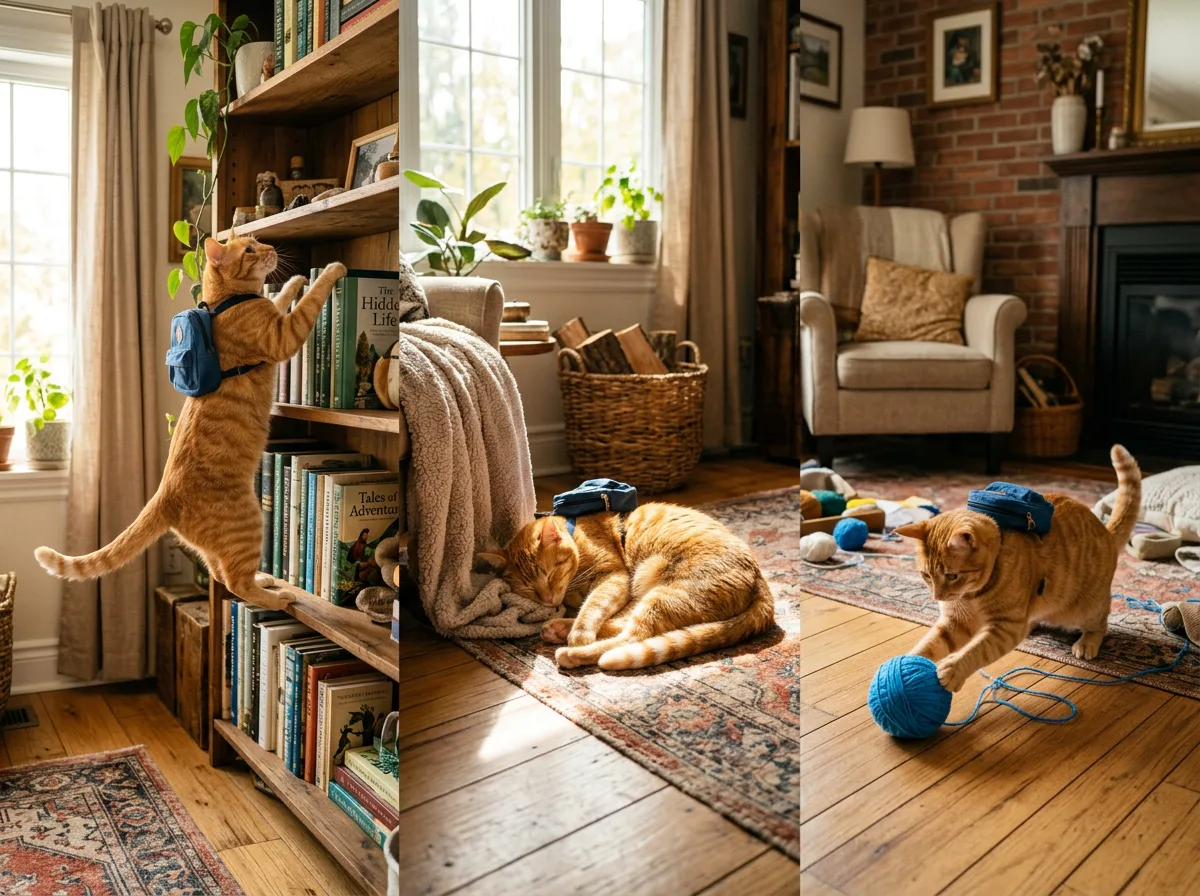
This is the long version of the models index. Every image here was generated in Studio, and near the end one brief runs on three models side by side, so you can compare them directly.

Why the composer matters more than any single model
Each of these models is available elsewhere, usually behind its own subscription, API key or app. What Studio adds is the workflow around them.
A prompt, a set of reference images, an aspect ratio and a quality tier are one saved setup. Switching the model is a dropdown in the same composer, so a draft made on a fast model can be re-run on a flagship without re-uploading anything. Every finished image has an Edit action that takes a plain-language change ("make the jacket navy", "remove the text on the left") and produces a revised copy next to the original. An edit usually costs the same as a single generation; Ideogram 4.5 at High and Krea 3 cost more once an image is attached. And the template library is organized by the model each template was written for, so a template built around one model's way of handling references opens with that model already loaded.
The practical result is that the question "which model should I use?" stops being a commitment. You try two, keep the better one, and move on.
The models
Nano Banana 2 (Google)

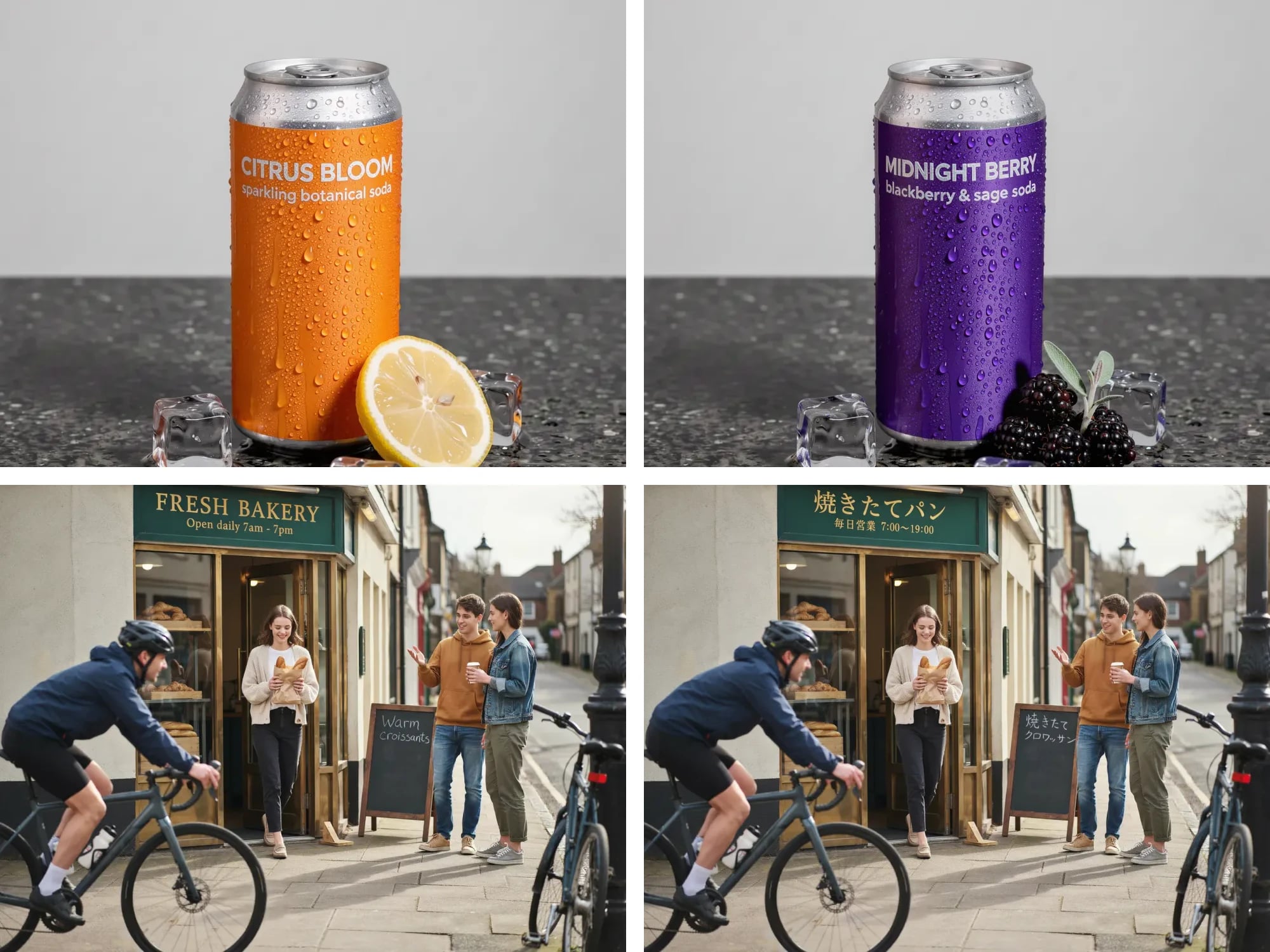
Google's everyday image model, Gemini 3.1 Flash Image. Its defining strength is character consistency: a face, a mascot or a profile picture survives a transformation recognizably, which is why so many of the curated templates were written for the Nano Banana family. It takes up to eight reference images and follows counted, specific instructions well.
Resolutions and credits: 1K for 2, 2K for 3, 4K for 5. Both everyday tiers, 1K and 2K, are on the free plan. Model page · Open in Studio
Nano Banana 2.1 (Google)

The stable update to Nano Banana 2, at the same Flash-level speed. It follows long, layered prompts more closely, sets text inside the picture more cleanly and keeps a character consistent from one turn to the next. It now runs the Gemini templates, Header Studio and Lab; Nano Banana 2 stays in the composer, so you can run one prompt on both and keep the one you like.
Resolutions and credits: 1K for 2, 2K for 3, 4K for 4. 1K and 2K are on the free plan. Up to eight reference images, four on the free plan. Model page · Open in Studio
Nano Banana Pro (Google)

Gemini 3 Pro Image, the flagship. It renders true 4K, keeps small in-image text legible, and holds a crowded scene together where faster models start to smear. It costs more to run than the everyday models, so save it for the final: draft on Nano Banana 2 or 2.1, then switch to Pro with the same references and prompt.
Resolutions and credits: 1K for 4, 2K for 5, 4K for 8. Paid plans only. Model page · Open in Studio
GPT Image 2.5 Flare (OpenAI)

OpenAI's fast everyday model, with a true 4K at every aspect ratio, the square included. It is quick enough to keep changing your mind, which makes it the natural model for concept boards, thumbnails, product renders and character ideation, anything where you want four directions in one pass before committing to one.
Resolutions and credits: 1K for 2, 2K for 3, 4K for 4. The 1K tier is on the free plan. Model page · Open in Studio
GPT Image 2.5 Sunburst (OpenAI)

OpenAI's most capable image model, for the change that has to happen exactly where you asked and nowhere else. Same sizes and same prices as Flare; it takes longer and holds more. Use it for precise reference-image edits, typographic layouts with exact strings, interface mockups with dense text, and character turnarounds where the design must not drift between views.
Resolutions and credits: 1K for 2, 2K for 3, 4K for 4. The 1K tier is on the free plan. Model page · Open in Studio
GPT Image 2 (OpenAI)

The previous OpenAI generation, kept because it follows layout instructions unusually well and keeps the subject of an uploaded photo intact. It is the model for product mockups, poster compositions and anything that has to line up. On the free plan it accepts four reference images; paid plans get the full eight.
Resolutions and credits: 1K for 2, 2K for 3. The 1K tier is on the free plan. Model page · Open in Studio
GPT Image 1.5 (OpenAI)

The budget OpenAI model, and the only one whose every tier is on the free plan. It renders the classic photographic formats, 1:1, 3:2 and 2:3, with the familiar GPT editing behavior, at 2 credits an image. A good place to draft when the brief is still moving.
Resolutions and credits: 1K for 2. Entirely on the free plan. Model page · Open in Studio
Seedream 5 Pro (ByteDance)

ByteDance's flagship, tuned for how a photograph actually looks: skin, fabric, glass and light. When the goal is "this could be a photo", start here. Portraits, cinematic lighting and night moods are its territory.
Resolutions and credits: 1K for 2, 2K for 4. Paid plans only. Model page · Open in Studio
Seedream 5 Lite (ByteDance)

The Seedream look at draft prices, with one distinction worth knowing: its ladder starts at 2K, where most models' free tier stops at 1K. That puts it, with Nano Banana 2 and 2.1, Seedream 4.5 and Ideogram 4.5, at the highest free resolution in Studio, and makes it a strong choice for scenery, interiors and anything that benefits from detail at a low cost.
Resolutions and credits: 2K for 2, 3K for 3. The 2K tier is on the free plan. Model page · Open in Studio
Seedream 4.5 (ByteDance)

The previous Seedream generation, kept in the catalog for one reason: it renders true 4K at half the flagship's price. It shines on wallpapers, large-format landscapes and epic scenes.
Resolutions and credits: 2K for 2, 4K for 4. The 2K tier is on the free plan. Model page · Open in Studio
Grok Image 2 (xAI)

xAI's image model, the one behind Grok Imagine, without the X Premium subscription. It is the odd one out in the catalog: it takes at most one reference image and composes its own frame rather than accepting an aspect ratio. In return it answers a single sentence with a bold, confident, stylized image. Reach for it when attitude matters more than precision.
Resolutions and credits: 1K for 2, 2K for 3. The 1K tier is on the free plan. Model page · Open in Studio
FLUX 3 (Black Forest Labs)

The newest model from Black Forest Labs, built for control. It edits what you name and usually leaves the rest of the picture alone, composes up to ten reference images into one scene on any plan, and sets text and objects where you tell it to. In our side-by-side editing tests it kept the source closest of the editing models; the details are in the best AI image editing models.
Resolutions and credits: 768 for 1, 1K for 2, 1.5K for 3, 2K for 4, and a native 4K for 20, the top of the range. 768 and 1K are on the free plan. Model page · Open in Studio
Ideogram 4.5 (Ideogram)

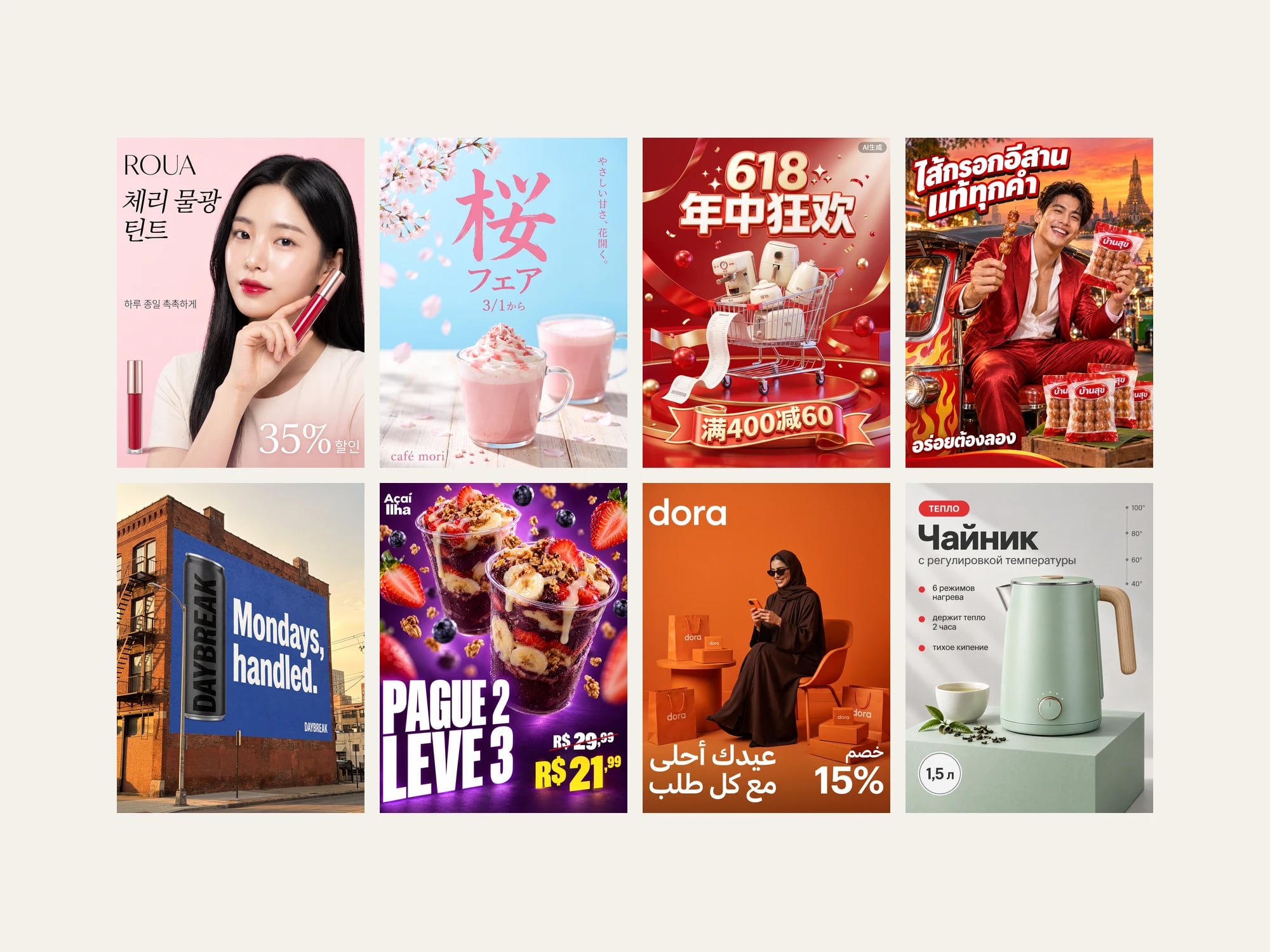
An image editing model first: describe one change and the rest of the picture stays as it was, edit after edit. It also puts the right words in a picture, so posters, packaging, menus and ads come out with the copy you quoted, and a relabel keeps the original lettering. Every tier renders at 2K; the tiers buy effort, not size. It takes up to five reference images, and the result takes the first image's shape.
Resolutions and credits: Low for 2, Medium for 3, High for 5 (8 once an image is attached). Low is on the free plan. Model page · Open in Studio
Krea 3 (Krea)

Krea's image editing model. You say what should change and what should stay the same, and it makes the edit; it also generates from words alone. Every tier pairs a size with a thinking mode: Instant goes straight to the render, High plans a complex edit first. It takes up to four reference images, and you can refer to each one by what it shows.
Resolutions and credits: 1K Instant for 2, 1K High for 3, 2K Instant for 3, 2K High for 4, each one credit more with a reference image. 1K Instant is on the free plan, with one reference. Model page · Open in Studio
The same brief on three models
The fairest way to see the differences is to hold everything constant except the model. Below, one uploaded character was reimagined as a collectible vinyl toy in a diorama, with the same prompt and the same reference, on Nano Banana 2, GPT Image 2 and Seedream 5 Pro.


Nano Banana 2 keeps the most of the original character. GPT Image 2 treats the diorama as a layout problem and arranges it most deliberately. Seedream 5 Pro lights it like a product photograph. None of them is wrong; they are answering different questions, and in Studio you can ask all three for the price of three images.
Which model for which job
| The job | Start with | Then, if needed |
|---|---|---|
| Keep a mascot or PFP recognizable through a new scene | Nano Banana 2 or 2.1 | Nano Banana Pro for the 4K final |
| A long, detailed brief with text in the picture | Nano Banana 2.1 | Nano Banana Pro for the 4K final |
| A poster with text that has to read | Nano Banana Pro | Ideogram 4.5 or GPT Image 2.5 Sunburst for exact strings |
| Four directions from one brief, fast | GPT Image 2.5 Flare | Sunburst to finish the chosen one |
| Change one thing in a photo and nothing else | FLUX 3 | GPT Image 2.5 Sunburst for a styled final |
| New words on a label, or many edits in a row | Ideogram 4.5 | — |
| Describe the edit in plain words and let the model plan it | Krea 3 at High | — |
| One scene from several photos | FLUX 3, up to ten references | Krea 3 for up to four |
| Product mockups, packaging, flat-lays | GPT Image 2 | Sunburst for dense labels |
| Drafts in classic photo formats, for free | GPT Image 1.5 | any flagship |
| "This could be a photo" | Seedream 5 Pro | — |
| Detailed scenery on a budget | Seedream 5 Lite | Seedream 4.5 for 4K |
| A 4K wallpaper without the flagship price | Seedream 4.5 | — |
| One bold, stylized image from one sentence | Grok Image 2 | — |
What the images become
Studio is the image step. The same account carries the tools that turn an image into the formats people actually post. The AI GIF Maker animates a still into a looping GIF and returns the MP4 from the same run, no conversion step. The AI Sticker Maker cuts a character into transparent PNG stickers sized for Telegram, Discord and WhatsApp. Header Studio renders X headers and Discord banners at each platform's exact pixel size. Because every tool reads the same uploaded reference, the character in your GIF is the character in your stickers and your banner.
Credits, plans and the free tier
Every generation costs credits, priced by model and resolution: from 1 credit for FLUX 3 at 768 up to 20 for FLUX 3 at a native 4K. Krea 3, and Ideogram 4.5 at High, cost more once a reference image is attached. New accounts that sign up with Google or X start with 10 free credits and can run most of the models at their opening tier: Nano Banana 2 and 2.1 up to 2K, Seedream 5 Lite and Seedream 4.5 at 2K, Ideogram 4.5 at Low, FLUX 3 at 768 and 1K, Krea 3 at 1K Instant, and the OpenAI models and Grok at 1K. Nano Banana Pro, Seedream 5 Pro and the higher tiers of the rest are on paid plans, which start at $9 a month for 100 credits. One-time credit packs never expire. The full ladder is on the pricing page.
The quickest way to choose is still to open Studio, keep the prompt and the references, and switch the model.