ReelyArt

Animated Sticker Maker

Animated stickers, made by AI.

Describe a sticker or upload your character, logo or pet. GPT Image 2.6 animates it frame by frame, Claude draws lettering and logos as crisp vector motion, and every sticker downloads ready for WhatsApp, Telegram and Discord.

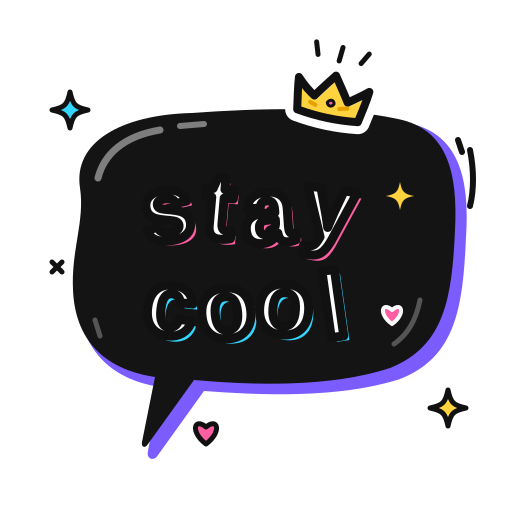
Animated sticker of a shiba inu waving its paw, made with GPT Image 2.6GPT GIFAnimated speech bubble sticker reading stay cool, drawn by ClaudeClaude SVGAnimated GM sticker of a sleepy kitten with a coffee cup, made with GPT Image 2.6GPT GIFThe ReelyArt logo as an animated graffiti sticker, drawn by ClaudeClaude SVGAnimated pixel art knight sticker with GG text, made with GPT Image 2.6GPT GIFAnimated pixel crab sticker waving, drawn by ClaudeClaude SVG

from 2

credits per animated sticker

15-35 s

for a GPT Image GIF

13

house styles

3 apps

WhatsApp, Telegram, Discord

How it works

From one line to a sticker in your chat.

  1. 01

    Open Sticker Studio and switch to Animated

    The composer has a Static and an Animated switch. Static makes a transparent PNG; Animated makes a looping sticker.

  2. 02

    Describe it, or attach your own picture

    One line is enough: who it is, what they do, how they feel. Attach a logo, a mascot or a pet photo and that subject becomes the sticker. Add a short caption if the sticker should say something.

  3. 03

    Pick the model and a style

    GPT Image 2.6 Flare or Sunburst animates characters as a GIF, with 8, 12 or 16 frames. Claude Sonnet 5.5 or Opus 5.5 draws lettering and logos as an animated SVG. Both take the same styles: Doodle, Kawaii, Graffiti, Drip, Cartoon, Puffy, Holo, Comic, Tattoo, Paper, Cardboard, Pixel and Geometric.

  4. 04

    Download it for each app

    Every sticker downloads as a transparent GIF, a PNG still, a WhatsApp WebP, a Telegram WEBM video sticker or a Discord APNG, already inside each app's size limits. Pick 3 to 30 to download them as one WhatsApp pack.

Two engines

GPT Image 2.6 or Claude.

GPT Image 2.6

Flare or Sunburst · animated GIF

Shiba inu waving, GPT Image 2.6 animated stickerKawaii bunny waving with HI text, GPT Image 2.6 animated stickerCorgi wagging its tail, GPT Image 2.6 animated sticker

GPT Image 2.6 draws every frame of the loop in one pass and hands back a GIF. The character really moves: a paw goes up, eyes close, a mouth opens. Sticker Studio adds the white die-cut border and fits the file for each app. Flare is the faster of the two; Sunburst takes longer and holds fine detail.

Best for
Characters, pets, people, reactions
Frames
8, 12 or 16, at low or medium quality, three speeds
Time
About 15 to 35 seconds
Price
2, 3 or 4 credits at low quality and 3, 4 or 6 at medium for 8, 12 or 16 frames
Plans
Every plan (free: 8 frames, low)

Claude

Claude Sonnet 5.5 or Claude Opus 5.5 · animated SVG

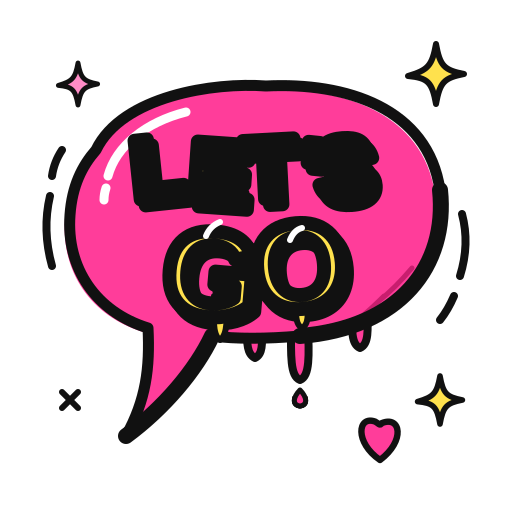
LET'S GO speech bubble, Claude animated SVG stickerThe ReelyArt logo as a puffy sticker, Claude animated SVGDripping smiley face, Claude animated SVG sticker

Claude writes the sticker as a vector file: shapes, outlines and the timing of every moving part. Lines stay sharp at any size, letters are spelled exactly, and a logo keeps its geometry while its pieces bounce, wobble or drip. The SVG itself downloads too, next to the app files.

Best for
Lettering, slogans, logos, graphic marks
Output
Animated SVG, plus GIF, WebP, WEBM and APNG
Time
About a minute
Price
10 credits on Claude Sonnet 5.5 or 20 on Claude Opus 5.5
Plans
Paid plans
GPT Image 2.6 (GIF)Claude (SVG)
How it is madeEvery frame painted as pixels, returned as a GIFShapes and motion written as a vector file
MotionPose and expression change from frame to frameParts bounce, wobble, pop and drip; line boil on hand-drawn styles
TextShort captions, lettered in the styleSpelled exactly, crisp at any size
From your pictureUp to 4 references; keeps faces, colours, outfits1 reference; traces logos piece by piece
DownloadsGIF, PNG, WhatsApp WebP, Telegram WEBM, Discord APNGThe same, plus the SVG source
Pricefrom 2 credits10 or 20 credits

Drawn by Claude

Even the title is a sticker.

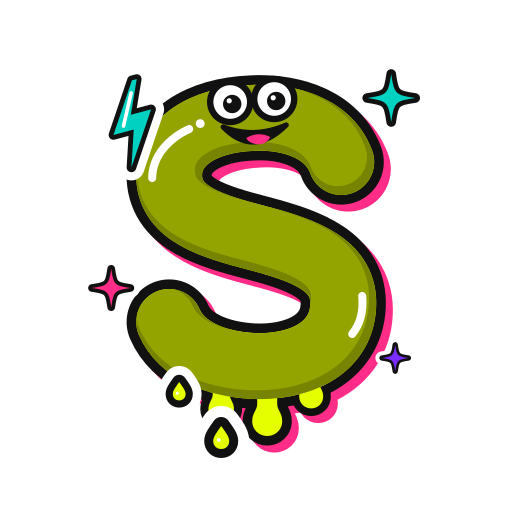
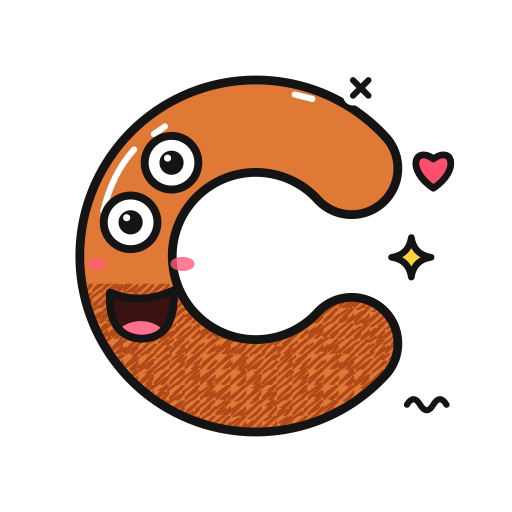
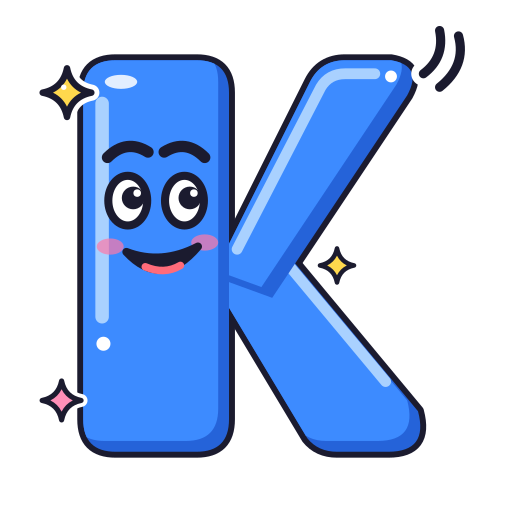
Each letter of the Sticker Studio title is an animated SVG sticker Claude drew in a different house style: a drip, a bubble, a doodle face, a pixel block. Lettering is where vector stickers shine, because a letter has to stay exactly that letter in every frame.

The letter S as an animated sticker drawn by ClaudeThe letter T as an animated sticker drawn by ClaudeThe letter I as an animated sticker drawn by ClaudeThe letter C as an animated sticker drawn by ClaudeThe letter K as an animated sticker drawn by ClaudeThe letter E as an animated sticker drawn by ClaudeThe letter R as an animated sticker drawn by Claude

Styles

13 looks, one menu.

Each style below shows a GPT Image 2.6 GIF on the left and the ReelyArt logo drawn by Claude in the same style on the right. Pick the style in the composer and the prompt can stay about the subject.

Doodle style animated GIF sticker made with GPT Image 2.6GPTThe ReelyArt logo as a Doodle style animated sticker drawn by ClaudeClaude

Doodle

Hand-drawn marker, wobbly lines

Kawaii style animated GIF sticker made with GPT Image 2.6GPTThe ReelyArt logo as a Kawaii style animated sticker drawn by ClaudeClaude

Kawaii

Soft, tiny and very cute

Graffiti style animated GIF sticker made with GPT Image 2.6GPTThe ReelyArt logo as a Graffiti style animated sticker drawn by ClaudeClaude

Graffiti

Drips, spray, streetwear

Drip style animated GIF sticker made with GPT Image 2.6GPTThe ReelyArt logo as a Drip style animated sticker drawn by ClaudeClaude

Drip

Marker ink, drips and glitter

Cartoon style animated GIF sticker made with GPT Image 2.6GPTThe ReelyArt logo as a Cartoon style animated sticker drawn by ClaudeClaude

Cartoon

Clean, polished, bold

Puffy style animated GIF sticker made with GPT Image 2.6GPTThe ReelyArt logo as a Puffy style animated sticker drawn by ClaudeClaude

Puffy

Inflated, glossy, squishy

Holo style animated GIF sticker made with GPT Image 2.6GPTThe ReelyArt logo as a Holo style animated sticker drawn by ClaudeClaude

Holo

Holographic foil with a shine

Comic style animated GIF sticker made with GPT Image 2.6GPTThe ReelyArt logo as a Comic style animated sticker drawn by ClaudeClaude

Comic

Pop art, halftone, action bursts

Tattoo style animated GIF sticker made with GPT Image 2.6GPTThe ReelyArt logo as a Tattoo style animated sticker drawn by ClaudeClaude

Tattoo

Old-school flash, bold lines

Paper style animated GIF sticker made with GPT Image 2.6GPTThe ReelyArt logo as a Paper style animated sticker drawn by ClaudeClaude

Paper

Cut-paper collage, stop motion

Cardboard style animated GIF sticker made with GPT Image 2.6GPTThe ReelyArt logo as a Cardboard style animated sticker drawn by ClaudeClaude

Cardboard

Kraft cardboard cut-out

Pixel style animated GIF sticker made with GPT Image 2.6GPTThe ReelyArt logo as a Pixel style animated sticker drawn by ClaudeClaude

Pixel

8-bit sprite

Geometric style animated GIF sticker made with GPT Image 2.6GPTThe ReelyArt logo as a Geometric style animated sticker drawn by ClaudeClaude

Geometric

Flat shapes, smooth motion

Prompt guide

How to write a sticker prompt.

  • Subject, action, feeling

    A sticker is a reaction. Name who it is, the one thing they do, and the mood. The motion follows the verb, so pick one that moves.

    a chubby orange cat slapping the table, laughing so hard it cries
  • One action per sticker

    A loop lasts one to three seconds. "Waves, then jumps, then sits down" turns into a blur; "waves hello" reads at a glance in a chat.

    a corgi in a hoodie waving hello with one paw
  • Keep the caption short

    Two or three words read at sticker size: GM, LFG, ON IT, SURE. Put them in the caption box, not in the prompt, so they are spelled exactly.

    caption: GM · a sleepy kitten slowly waking up with a tiny coffee
  • Logos and lettering go to Claude

    Attach the logo, pick Claude and a style. Claude draws the shapes as vectors, so edges, angles and letters stay crisp while the parts bounce, wobble or drip.

    make our logo bounce with energy, little sparkles popping around it
  • Same picture, whole pack

    Keep the same reference image and change only the action. The character stays the same across the set, which is what makes a pack feel like a pack.

    same mascot: crying · laughing · thumbs up · facepalm · GG
  • Let the style do the styling

    Pick Doodle, Kawaii, Pixel or Tattoo from the Style menu instead of describing the look. The prompt stays about the subject and the action.

    style: Pixel · a knight jumping with his sword raised

Add them to your apps

WhatsApp, Telegram and Discord.

WhatsApp

.wastickers pack · 512 x 512 WebP · under 500 KB each

  1. In Sticker Studio, press WhatsApp pack and pick 3 to 30 animated stickers.
  2. Download the pack. WhatsApp adds animated stickers in packs, not one by one.
  3. On your phone, open the file with a sticker app that imports .wastickers packs.
  4. Tap Add to WhatsApp. The pack shows up in your sticker tray.

Telegram

WEBM video sticker · 512 px · under 3 s and 256 KB

  1. Download the Telegram file from the sticker's menu.
  2. Open the @Stickers bot in Telegram and send /newvideo.
  3. Name the pack, then send the file as a file, not as a video.
  4. Pick an emoji for it, send /publish and choose a short link.

Discord

APNG · 320 x 320 · under 512 KB

  1. Download the Discord file from the sticker's menu.
  2. In your server, open Server Settings, then Stickers.
  3. Press Upload Sticker, pick the file, name it and choose a related emoji.
  4. For chat, post the transparent GIF instead.

Static stickers too.

Not every sticker needs to move. The same composer makes transparent PNG cut-outs on GPT Image 2.5, GPT Image 2.6 or Nano Banana 2.1 from 3 credits, at 128 to 1024 px. The AI Sticker Maker page covers them, and the Discord Sticker Maker and Twitch Emote Maker pages cover the sizes those platforms take.

For a longer clip with the video beside it, the AI GIF Generator animates the same character on Seedance, MiniMax H3, Kling 4.0 or FLUX 3. Open Sticker Studio

FAQ

Questions people ask.

Last verified 24 Nov 2026

What is an AI animated sticker maker?

It makes a short looping sticker from a line of text or a picture you upload, with the background already removed and the file already sized for messaging apps. On ReelyArt it lives in Sticker Studio, next to the static PNG sticker maker.

Which AI models make the animated stickers?

Two kinds. GPT Image 2.6 (Flare, the faster one, or Sunburst, which holds detail) draws every frame of the loop and returns a GIF. Claude Sonnet 5.5 and Claude Opus 5.5 draw the sticker as an animated SVG: shapes and motion written as a file rather than painted as pixels.

Should I pick GPT Image 2.6 or Claude?

GPT Image 2.6 for characters, pets and people: the pose and the expression really change from frame to frame, and it is fast and cheap. Claude for lettering, logos and graphic marks: lines stay sharp at any size and the letters are spelled exactly. Both take the same house styles.

How does Claude draw a sticker?

Claude writes the sticker the way a motion designer builds a vector file: shapes, outlines, a white die-cut border and the timing of each moving part, all in one SVG. Sticker Studio gives it a style guide for the look you picked, checks the file before you see it, and turns it into GIF, WebP, WEBM and APNG for the apps. The letters of the Sticker Studio title on this site were drawn this way.

Can I make an animated sticker from my own photo, logo or character?

Yes. Attach it in the composer and describe what it should do. GPT Image 2.6 takes up to four reference images and keeps the face, colours and outfit; Claude takes one image and traces logos faithfully, piece by piece.

How do I add animated stickers to WhatsApp?

WhatsApp adds animated stickers in packs of 3 to 30. In Sticker Studio, press WhatsApp pack, pick the stickers and download the .wastickers file. On your phone, open it with a sticker app that imports .wastickers packs and tap Add to WhatsApp. Each sticker in the pack is a 512 x 512 WebP under 500 KB, as WhatsApp requires.

How do I make a Telegram video sticker?

Download the Telegram file (a WEBM video sticker, 512 px, under 3 seconds and 256 KB). In Telegram, open the @Stickers bot, send /newvideo, name the pack, send the file as a file rather than as a video, pick an emoji, then /publish.

Can I upload them to Discord?

Yes. Download the Discord file, an APNG at 320 x 320 under 512 KB, then in your server open Server Settings, Stickers, Upload Sticker. The same sticker also downloads as a transparent GIF for posting in chat.

How much does an animated sticker cost?

A GPT Image 2.6 GIF costs 2, 3 or 4 credits at low quality and 3, 4 or 6 at medium for 8, 12 or 16 frames; the free plan makes the 8-frame, low-quality version. A Claude SVG sticker costs 10 credits on Claude Sonnet 5.5 or 20 on Claude Opus 5.5, on paid plans. Static PNG stickers start at 3 credits. New accounts that sign up with Google or X start with 10 free credits.

How long does it take?

About 15 to 35 seconds for a GPT Image GIF, depending on the frame count and quality, and about a minute for a Claude drawing. A failed sticker is refunded automatically.

Are the stickers transparent?

Yes. Every animated sticker comes with a transparent background and a white die-cut border around the whole sticker, so it sits cleanly on light and dark chat themes.

Can I make a whole sticker pack with one character?

Yes. Keep the same reference picture and change the action in each prompt: crying, laughing, waving, GG. The character stays consistent across the set, and the WhatsApp pack button bundles them into one download.

Does ChatGPT make animated stickers too?

ChatGPT draws GIFs with GPT Image 2.6, the same model Sticker Studio runs. Sticker Studio adds the house styles, a die-cut border, Claude for lettering and logos, and files already sized for WhatsApp, Telegram and Discord, on one credit balance with the rest of ReelyArt.

Can I use the stickers commercially?

Yes. You own the outputs you generate. The full licensing details are in our terms.

Make it move.

Open Sticker Studio